One library
Play local files or connect Navidrome and Subsonic. Match local and server copies, search everything, and download music for offline playback.
An open source music player for Android and Linux. Play local files and your Navidrome or Subsonic server, and choose what happens next.
Preset Violet hour
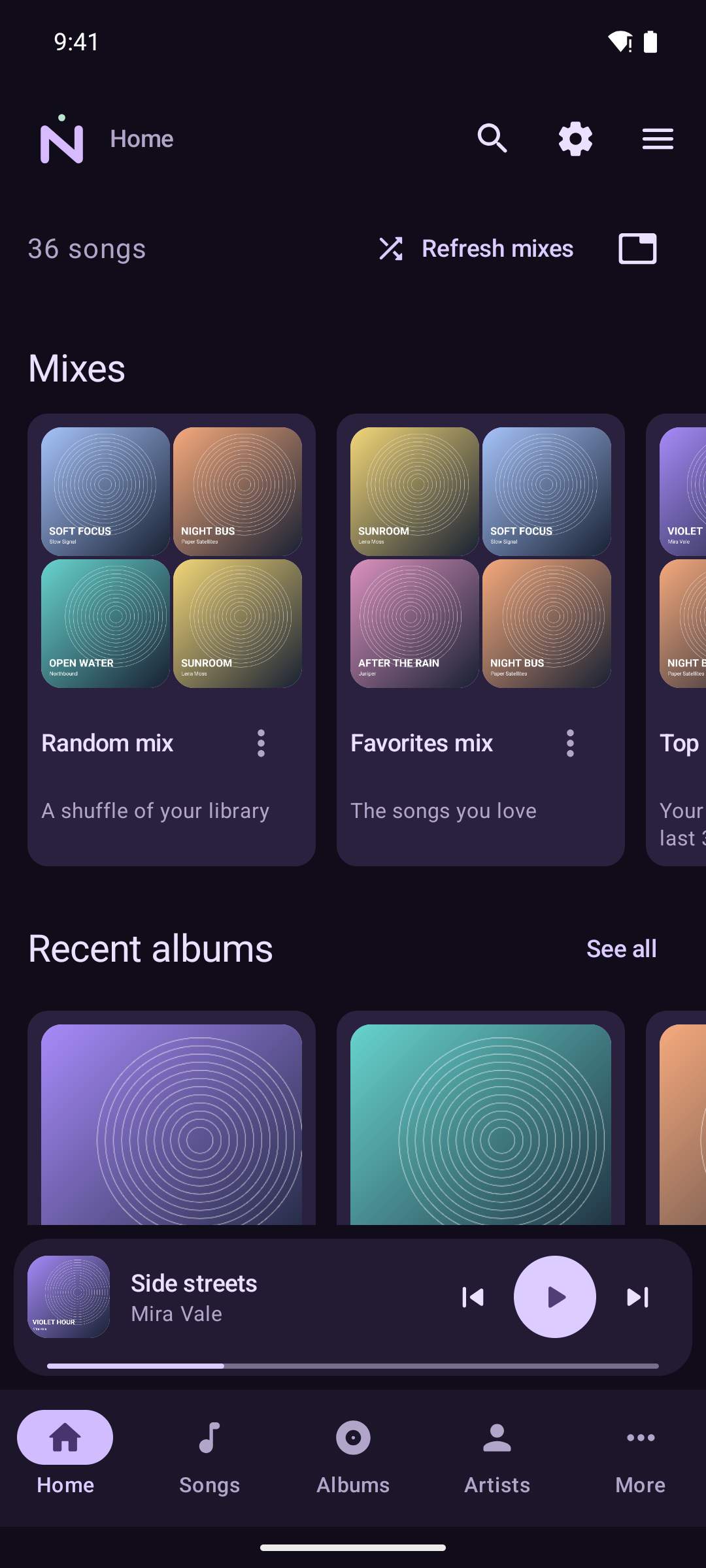
Play local files or connect Navidrome and Subsonic. Match local and server copies, search everything, and download music for offline playback.
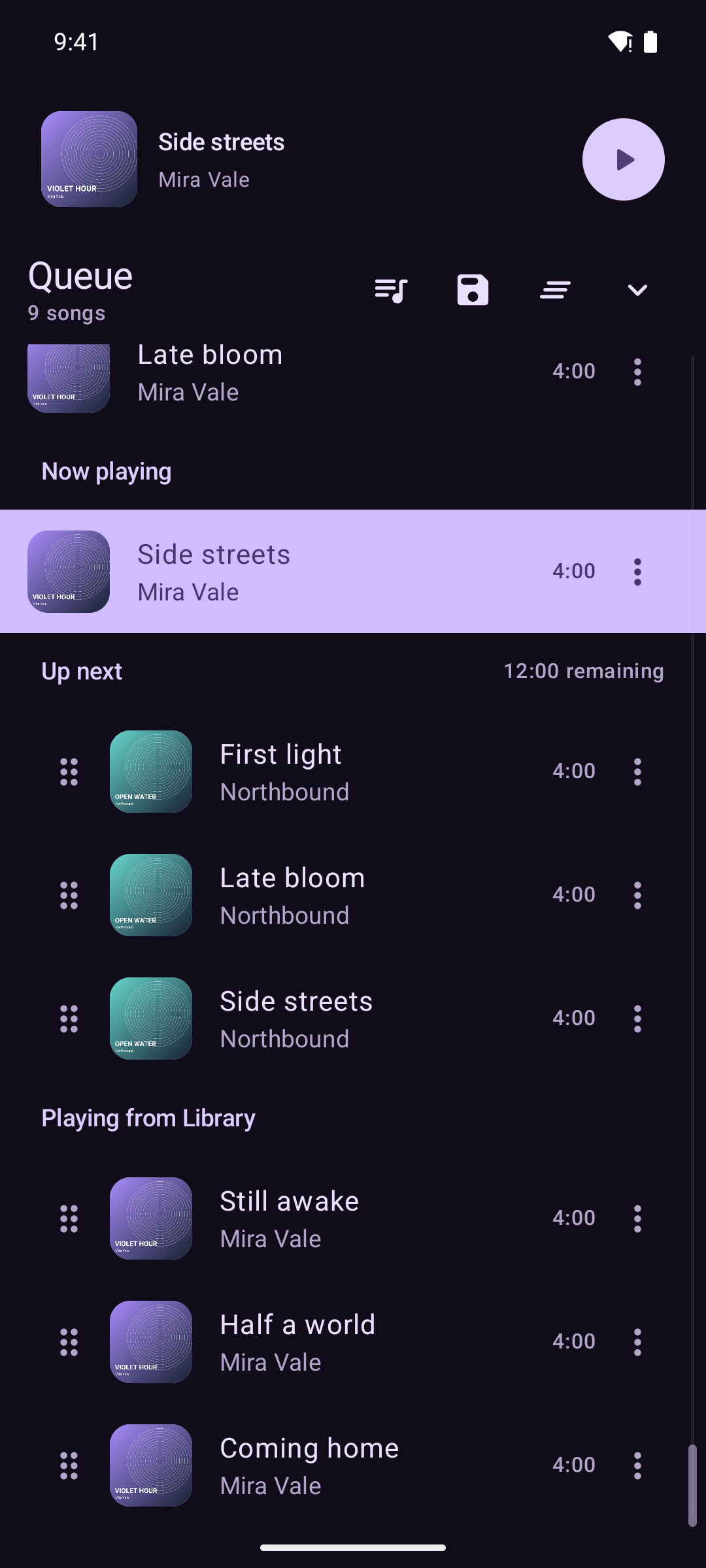
Keep requests in Up next. Save live queues with their history and position, switch between them, or restore a recovery snapshot.
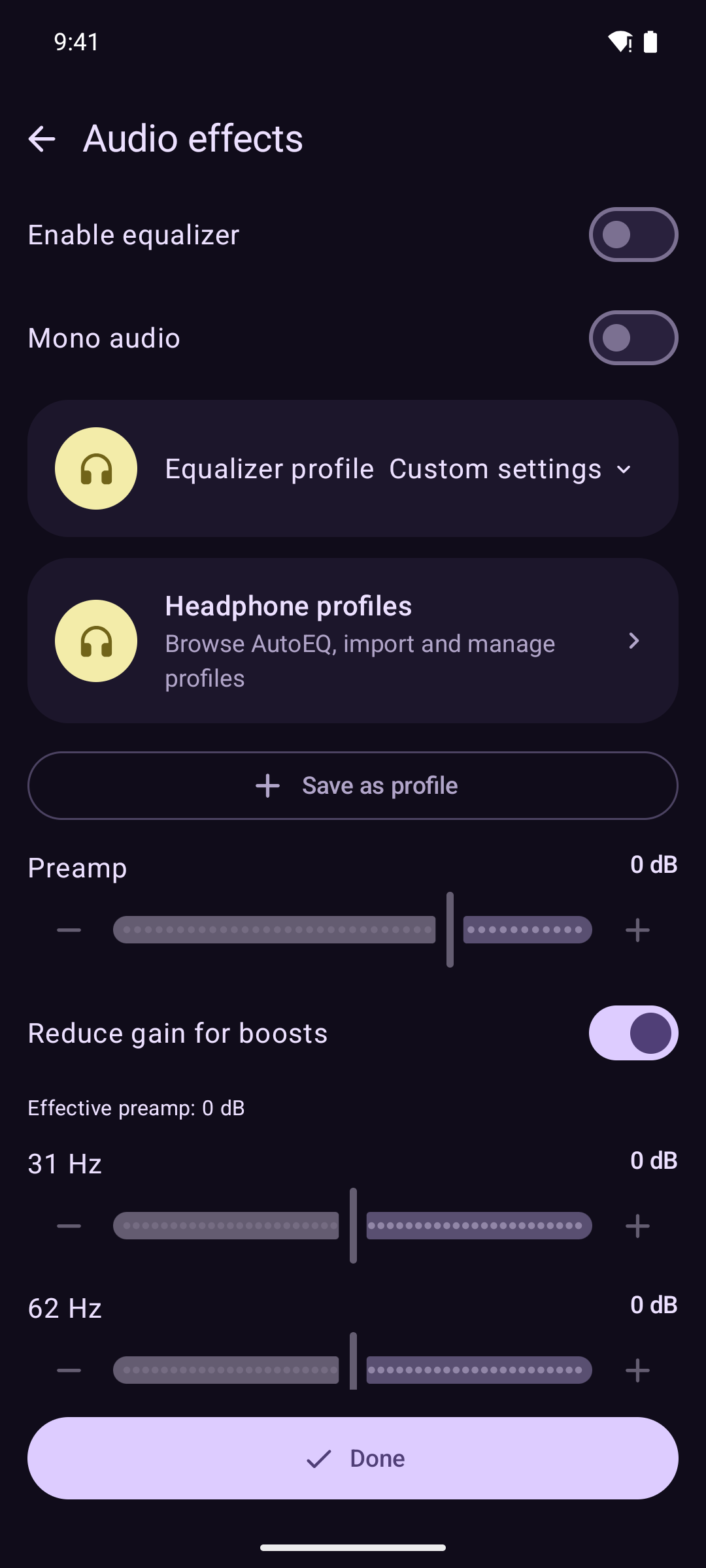
Gapless playback, crossfade, independent speed and pitch, an equalizer, AutoEQ headphone profiles and a sleep timer.
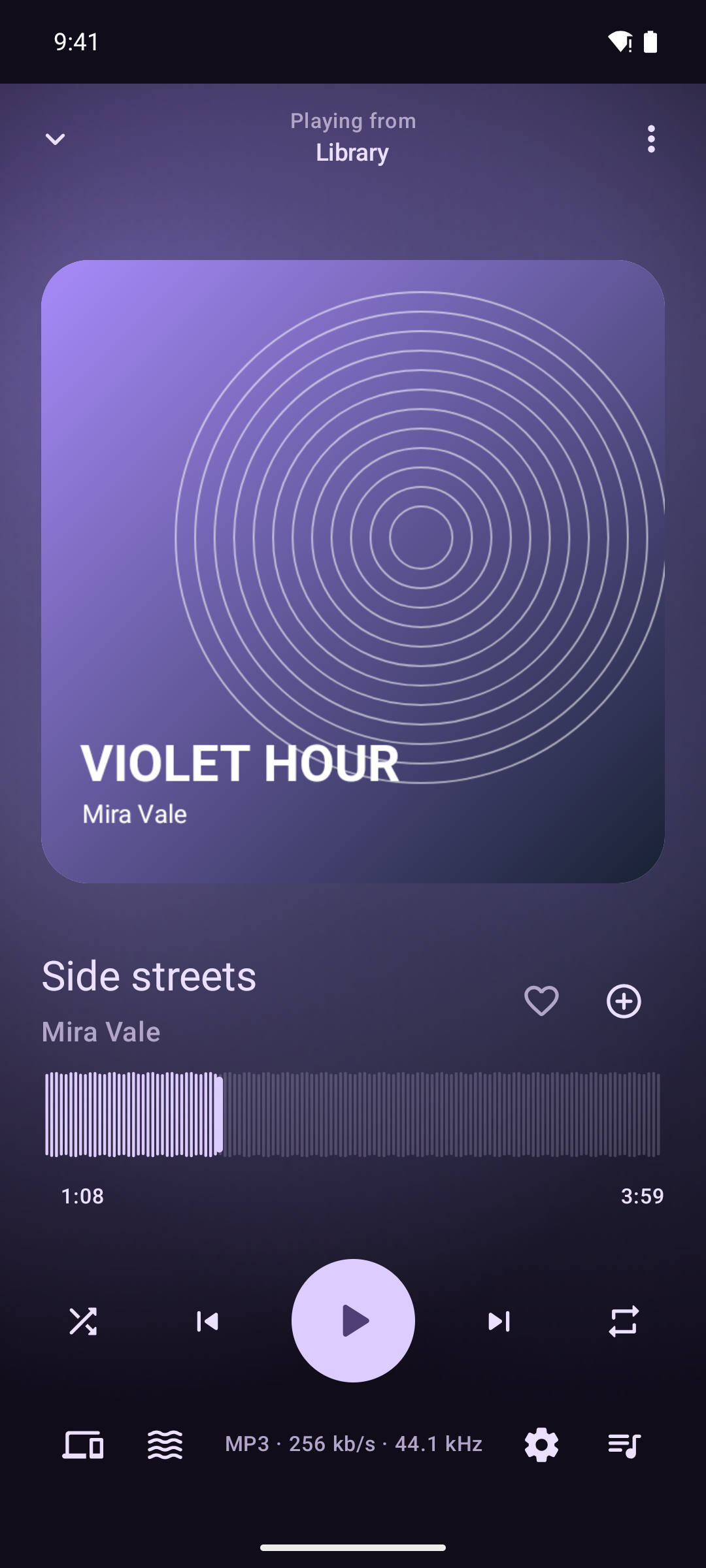
Over 10,000 presets, available offline through projectM. Search the collection, lock a preset or play only your favorites. It can also run behind Now playing.
Like the visuals in this header? Find all five in the app's Nevumi preset collection, where they react to your music.
Pair by QR code or a manual code. Sync playlists, favorites, ratings, listens and saved queue contents. Each device keeps its own playback position.
Edit tags and artwork, find MusicBrainz metadata, create smart playlists, and scrobble to your server, Last.fm or ListenBrainz.
Nevumi is in alpha. Bugs and changes are expected.
Add our F-Droid repository, use Obtainium, or install the APK from GitHub.
Paste this into F-Droid's repository field:
https://nevumi.app/fdroid/repo?fingerprint=FDEBFCB9DD790730FE607ACB8340588A839C44D9EA5BA6671AB3FAB83952F94BUse our signed Arch repository for updates through pacman. AppImages are on GitHub.
Download the signing key and check its fingerprint:
wget -O nevumi.asc https://nevumi.app/nevumi.asc
gpg --show-keys --fingerprint nevumi.asc
5948F17F1611CC2B995BC6121F0D542126D514AB
Import and trust the key, then add the repository:
sudo pacman-key --add nevumi.asc
sudo pacman-key --lsign-key 5948F17F1611CC2B995BC6121F0D542126D514AB
sudo tee -a /etc/pacman.conf >/dev/null <<'REPO'

[nevumi]
SigLevel = Required DatabaseRequired
Server = https://nevumi.app/arch/$arch
REPO

sudo pacman -Syu nevumi
I couldn't find one with all the features I wanted. Namida came closest, but I didn't like its license. So I started Nevumi: an independent app for local music and music servers, with a Material You interface.
Read the source or report a bug